mrdja.ransac.coreransac
RANSAC core functions for finding geometric primitives (planes and lines) in point clouds.
In this module all the functions related to the RANSAC algorithm for planes and lines are defined.
The pointcloud is expected to be a numpy array of shape (N, 3) where N is the number of points and 3 is the number of coordinates (x, y, z). No information about RGB values or normals are taken into account. Therefore, an Open3D point cloud must be converted to a numpy array before using the functions in this module.
The following code is an example of how to extract the points from an Open3D point cloud and convert them to a numpy array:
import numpy as np
import open3d as o3d

filename = "pointcloud.ply"
pcd = o3d.io.read_point_cloud(filename)
np_points = np.asarray(pcd.points)
The pointcloud could be in ply* or **pcd format, because Open3D can read both formats.
You can always access to the pointclouds provided by Open3D. For example, the following code shows how to access to the LivingRoomPointClouds, which are 57 point clouds of from the Redwood RGB-D Dataset.
import open3d as o3d
dataset = o3d.data.LivingRoomPointClouds()
pcds_living_rooms = []
for pcd_path in dataset.paths:
    pcds_living_rooms.append(o3d.io.read_point_cloud(pcd_path))
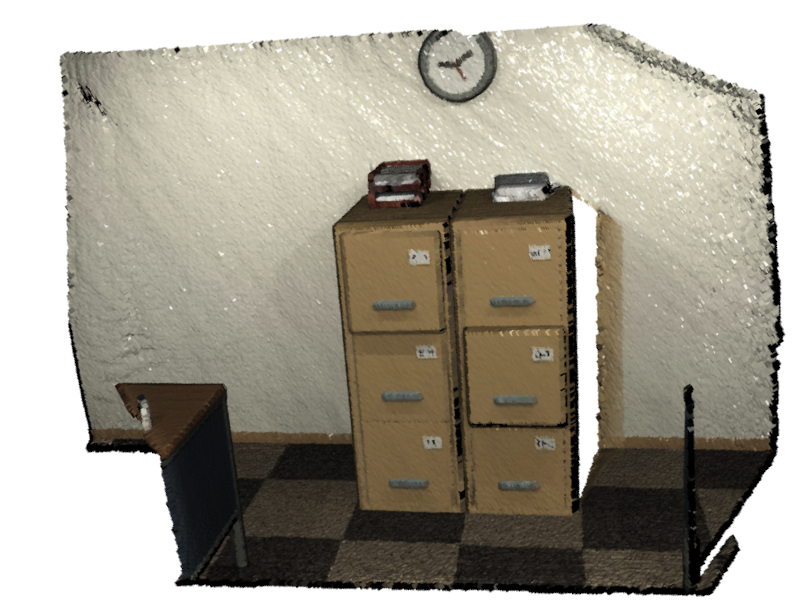
Other 53 pointclouds from the same dataset are also available in OfficePointClouds:
import open3d as o3d
dataset = o3d.data.OfficePointClouds()
pcds_offices = []
for pcd_path in dataset.paths:
    pcds_offices.append(o3d.io.read_point_cloud(pcd_path))
After executing the previous code, we could define two examples of a living room pointcloud and an office pointcloud, respectively:
living_room_pcd = pcds_living_rooms[0]
office_pcd = pcds_offices[0]
And visualize them:
o3d.visualization.draw_geometries([living_room_pcd])
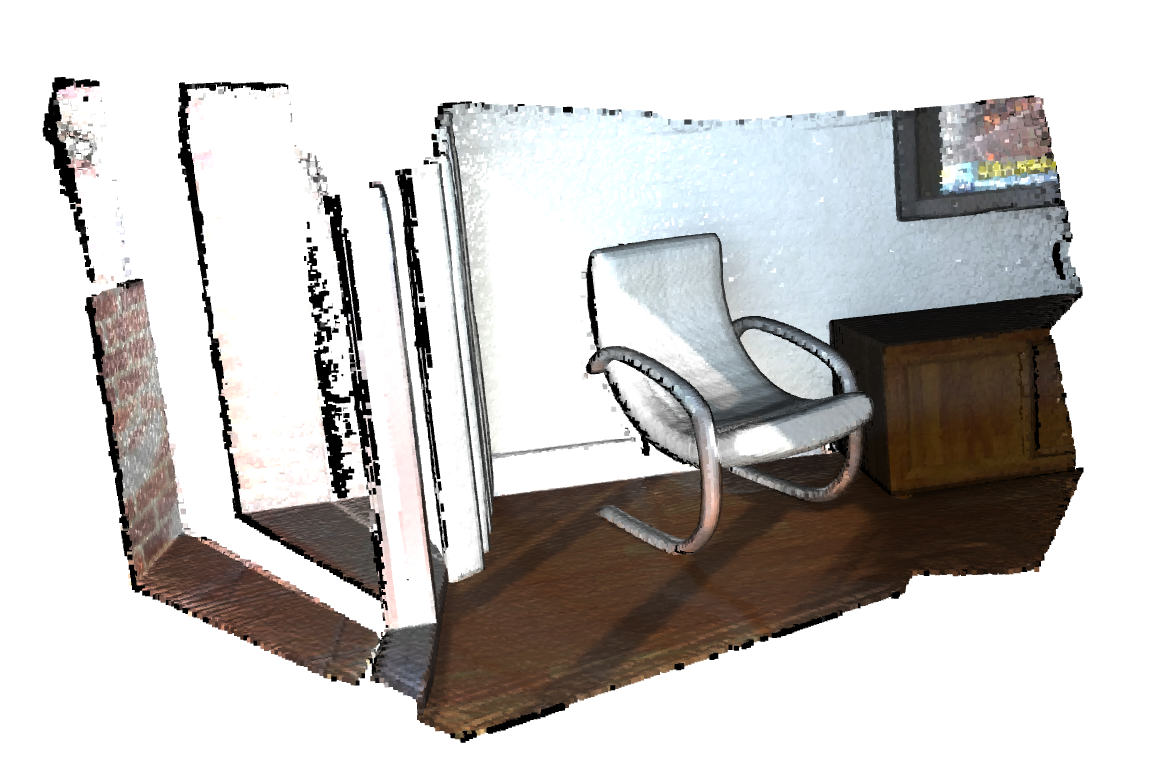
o3d.visualization.draw_geometries([office_pcd])
A brief explanation of the relationship between the functions defined here is given below:
If we want to extract the best fitting plane from a pointcloud, we have to call the function get_ransac_plane_results(), which, given
a pointcloud, the maximum distance from a point to the plane for it to be considered an inlier, and the number of iterations to run the RANSAC algorithm,
returns the best plane parameters, the number of inliers, and their indices. It calls the function get_ransac_plane_iteration_results() to get the results
of each iteration of the RANSAC algorithm.
Functions
Returns the fitting data for the best plane in the list of planes. |
|
Returns the fitting data for each plane in the list of planes. |
|
|
Computes how many points are below a threshold distance from a line and returns their count and their indices. |
|
Computes how many points are below a threshold distance from a plane and returns their count and their indices. |
Returns the results of one iteration of the RANSAC algorithm for line fitting. |
|
Returns the results of one iteration of the RANSAC algorithm for plane fitting. |
|
Computes the best plane that fits a collection of points and the indices of the inliers. |